
Fast browser previews
Preview SAM text to speech without a server queue. The workflow is built for quick lines, iteration, and immediate playback while you tune the microsoft sam tts sound.
Use this online Microsoft SAM TTS generator to create a classic computer voice directly in your browser. SAM-TTS.com is built for fast previews, clean WAV downloads, and clear explanations of SAM text to speech, the SAM voice, and the Software Automatic Mouth sound people search for when they need classic microsoft sam tts audio.

Enter the text you want SAPI4 to speak
Download name: microsoft-sam-sam-tts.wav
Put each take on its own line, then download separate WAV files with the current voice and settings.
Microsoft SAM TTS is the phrase most people use when they want the classic robotic narrator sound from early desktop computing and internet culture.
Microsoft SAM TTS has become a useful search phrase because it describes a very specific expectation: typed text should turn into a bright, mechanical, old-computer voice. The sound is not polished like modern neural narration. It is clipped, synthetic, and memorable. That is why creators still look for microsoft sam tts when they need a retro computer character, a meme voice, a game prototype line, a nostalgic alert, or a simple demonstration of text to speech technology.
The historical details are a little more nuanced. SAM stands for Software Automatic Mouth, a classic speech synthesizer from the early 1980s. Microsoft Sam was a later Windows speech voice that many users remember from accessibility tools and narrator demos. Online searches often merge those ideas, so this site explains both sides while giving you the practical result: a Microsoft SAM TTS style generator that can produce a recognizable SAM voice without old hardware, old Windows installs, or a complicated emulator setup.
The generator on SAM-TTS.com focuses on short, usable audio. Type a line, press play, adjust the controls, and download the WAV file. The Microsoft SAM TTS style works best when the writing is direct. Use punctuation to shape pauses. Break long narration into separate clips. If a word is mispronounced, rewrite it the way it should sound. A phrase like “text to speach” may be wrong in normal writing, but phonetic spelling is often useful when you are steering old-school SAM text to speech.
A good microsoft sam tts clip is usually short enough to stay intelligible and stylized enough to feel intentional. The default preset gives a familiar baseline: speed 72, pitch 64, mouth 128, and throat 128. Raise pitch for a smaller character, lower pitch for a heavier robot, change mouth and throat to reshape resonance, and slow the line when clarity matters. The goal is not perfect realism. The goal is a clear SAM TTS voice with the unmistakable digital texture that made the sound famous.
A practical microsoft sam tts tool should do three things well: explain the voice, generate audio quickly, and make export simple.
Preview SAM text to speech without a server queue. The workflow is built for quick lines, iteration, and immediate playback while you tune the microsoft sam tts sound.
Adjust speed, pitch, mouth, and throat instead of choosing from a generic voice dropdown. These controls are what make a SAM voice generator feel direct and expressive.
Download a WAV file for video edits, game builds, DAW sessions, or social clips. A good microsoft sam tts generator should make export a one-click action.
A basic page can offer a text box and a short history. This homepage adds practical value: clearer settings, search-intent answers, copywriting guidance, and community notes that turn real user experiments into a reusable Microsoft SAM TTS dataset.
Better SAM TTS comes from writing for the synthesizer instead of pasting a modern narration script into it.
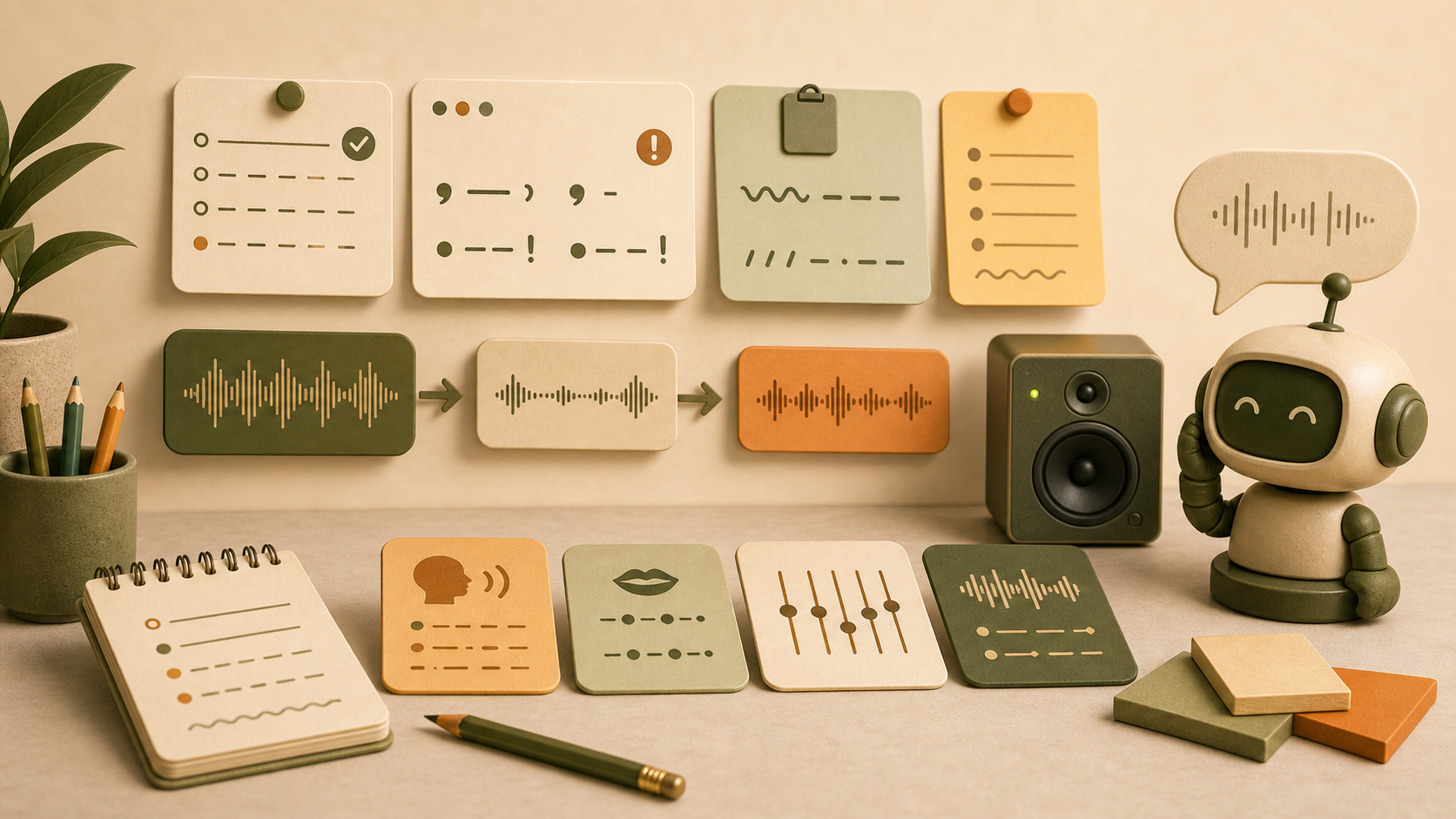
Microsoft SAM TTS is most charming when each sentence has room to land. Use one idea per line, listen to the rhythm, then generate the next clip. For long scripts, combine several exports in an editor instead of forcing one dense paragraph through the SAM voice.
SAM text to speech does not understand every modern word. Try “roh-bot” instead of robot, spell acronyms with spaces, and use commas for pauses. This is why searches like microsoft sam tss and sam text to speach can still be relevant: users are often chasing sound, not dictionary spelling.
If the microsoft sam tts voice is too sharp, lower pitch before changing mouth or throat. If it is too slow, raise speed in small steps. If it is hard to understand, simplify the sentence and return to the classic SAM preset.
The SAM TTS voice is not a replacement for a natural announcer. It is a character sound. Use it where a robotic identity helps the message: retro tutorials, old computer jokes, game UI, alerts, and playful narrator lines.
The most useful part of a SAM voice generator is not only the text box. It is knowing which control to move when the voice sounds too fast, too thin, too muddy, or too hard to understand.
These recipes are starting points. They help users get a useful Microsoft SAM TTS result faster than randomly moving sliders.
Speed 72, pitch 64, mouth 128, throat 128. Use this for the most familiar Microsoft SAM TTS baseline before testing creative variations.
Speed 88, pitch 70, mouth 140, throat 125. This preset makes short SAM voice alerts feel sharper and more urgent.
Speed 62, pitch 48, mouth 120, throat 110. Use it when Microsoft SAM TTS should sound slower, heavier, and more machine-like.
Microsoft SAM TTS works best when the voice is treated as part of the concept. These common use cases explain when the retro sound helps instead of distracting from the message.

Microsoft SAM TTS can make menu prompts, terminal lines, and arcade-style characters feel instantly old-school. Use Microsoft SAM TTS for short lines that need personality more than emotional realism.
Microsoft SAM TTS is recognizable in quick social clips because the sound arrives with a built-in joke. Keep Microsoft SAM TTS captions short so the timing stays sharp.
Microsoft SAM TTS is useful when a team needs placeholder computer speech before final voice direction is chosen. Microsoft SAM TTS exports make it easy to test pacing inside an edit or game build.
Microsoft SAM TTS helps explain how speech synthesis can sound when rules and parameters drive output. A Microsoft SAM TTS demo makes the difference between vintage synthesis and modern neural TTS obvious.
Microsoft SAM TTS can turn ordinary status messages into memorable interface cues. Use Microsoft SAM TTS for alerts that should feel mechanical, playful, and easy to recognize.
Microsoft SAM TTS is fast enough for sketching scenes, testing robot characters, and comparing alternate wording. Microsoft SAM TTS is most effective when the script leaves space for the synthetic rhythm.
The best tool depends on whether you want natural narration or a memorable synthetic character.
This comparison is why microsoft sam tts remains useful even when modern voices are more realistic. A modern voice can sound professional, but a SAM voice sounds like a designed object. For certain clips, that is the whole point. When someone searches tts sam, sam tts microsoft, microsoft tts sam, or sam microsoft tts, they usually want the recognizable vintage signal more than a generic speech engine.
Start with what you are trying to make, then use the generator settings that match that job. This is easier than guessing from a long list of voice names.
Use Microsoft Sam, keep the line under one sentence, and download a WAV once the timing lands. A short sam tts generator workflow works better than a long paragraph when the clip needs to be funny and instantly recognizable.
Start with a lower pitch, slow the speed slightly, and write commands like a computer display. This gives you a microsoft sam emulator feeling without making the voice too muddy to understand.
Try RoboSoft presets, then adjust mouth and throat until the sam voice has a distinct body. Generate separate clips for each line so your scene has better pacing.
Use the classic Microsoft Sam preset first. If you came looking for microsoft sam text to speech, this is the clean baseline before experimenting with Mike, Mary, telephone, hall, or space effects.
Keep the sentence simple, add punctuation for pauses, and avoid hard names. SAM text to speech is great for showing how rule-based voices differ from modern neural narration.
Export multiple short WAV files instead of one long file. An online microsoft sam tts generator is most useful when each take is easy to trim, layer, and replace.
Need a repeatable recipe? Follow the monotone SAM voice parameter test for terminal narration, or use the SAM TTS singing workflow to build rhythmic clips one syllable at a time. For a brighter classic voice comparison, test the same sentence with the Microsoft Mary preset.
Clear answers and quick fixes for microsoft sam tts, sam tts generator, microsoft sam emulator, pronunciation issues, and SAM voice settings.
This site provides a Microsoft SAM TTS style generator based on the SAM Software Automatic Mouth approach. People often use Microsoft SAM as a broad name for the classic robotic voice, but the historical SAM engine and the later Windows voice are not the same product. The practical goal is Microsoft SAM TTS style audio.
Yes. Type your line, preview the SAM voice, then download a WAV file. WAV is simple to edit in video tools, game engines, podcast editors, and browser prototypes.
SAM text to speech uses older rules, so it may pronounce modern names, brand terms, and unusual spelling in unexpected ways. Rewrite the word phonetically, add punctuation, or break the sentence into smaller phrases. Microsoft SAM TTS output often improves when spelling follows sound.
Start with speed 72, pitch 64, mouth 128, and throat 128. From there, change one setting at a time. Faster speed and higher pitch make a sharper voice; lower pitch and slower speed make a heavier Microsoft SAM TTS character.
Use the first-screen Microsoft SAM TTS generator, keep the sentence short, preview once, then download the WAV. For most Microsoft SAM TTS clips, a short line with clear punctuation beats a long paragraph.
Yes, for practical Microsoft SAM TTS style clips. This site explains the naming difference while still giving users the Microsoft SAM TTS emulator workflow they expect: type, preview, tune, and export.
Rewrite it phonetically. A misspelling like sam text to speach is not useful in a final caption, but phonetic spelling inside the generator can make a difficult word much clearer.
Lower speed first, then add commas where you want pauses. If the clip still rushes, split it into two WAV files and place the pause in your editor.
Lower pitch a little before changing mouth or throat. Small pitch changes often create a better sam tts voice than dramatic preset switching.
Shorten it. SAM software tts is most readable when each sentence has one job. Remove extra clauses, preview again, then download the cleaner take.
Try a RoboSoft preset or raise mouth and throat together. That usually gives the tts sam texture more mechanical character without losing every vowel.
Use telephone, hall, space, or stadium presets as starting points. They help when a sam voice generator needs to sound like it is coming from a device, room, or sci-fi scene.